
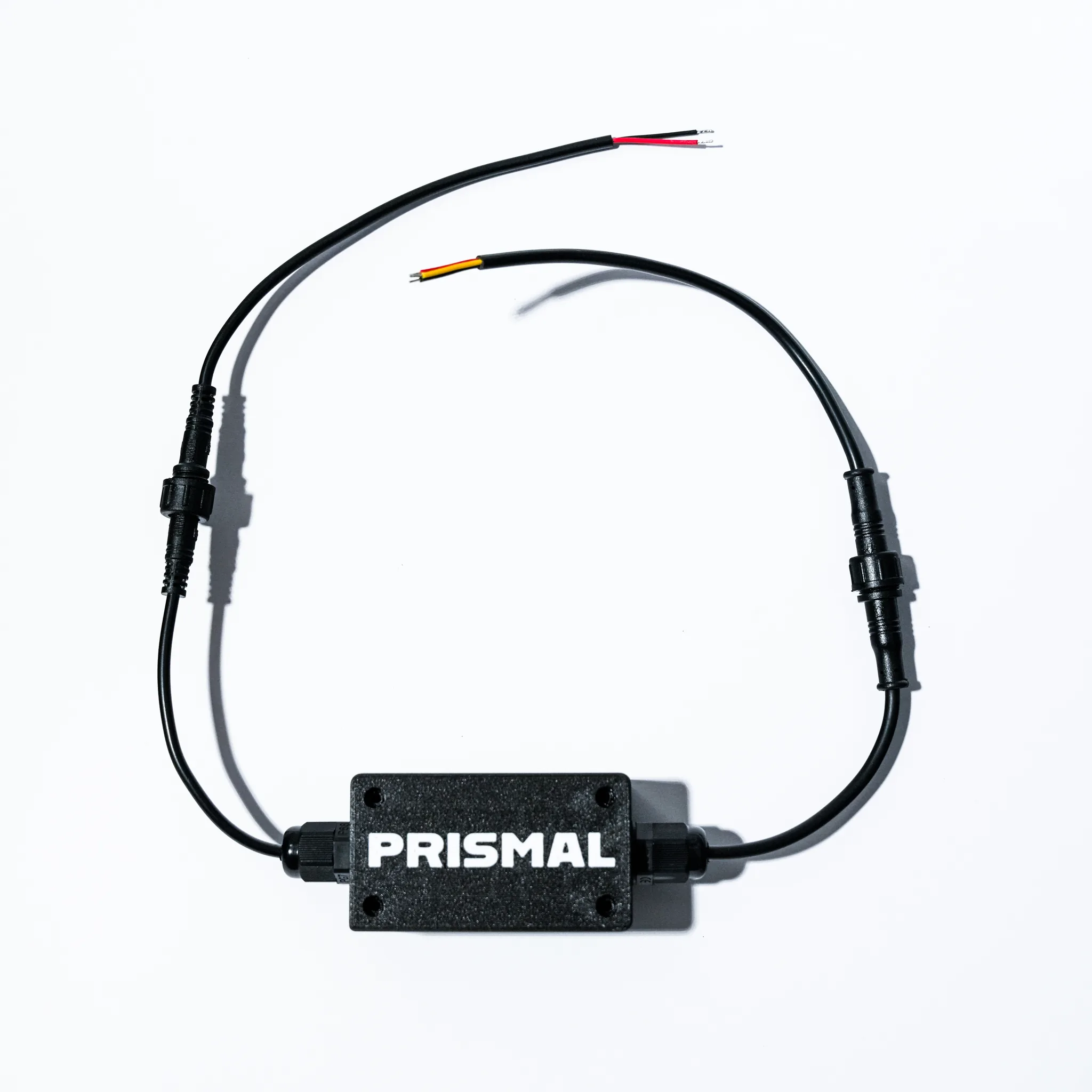
Keep your lights.
Change what they can do.
The PFX LED Controller brings the Prismal PFX app to compatible addressable LED strips. Choose your colors, build layered animations, and sync your lighting with the rest of the lineup.
Built around your lighting.
Prismal develops the controller hardware, firmware, and app together, so your lighting controls work as one system.
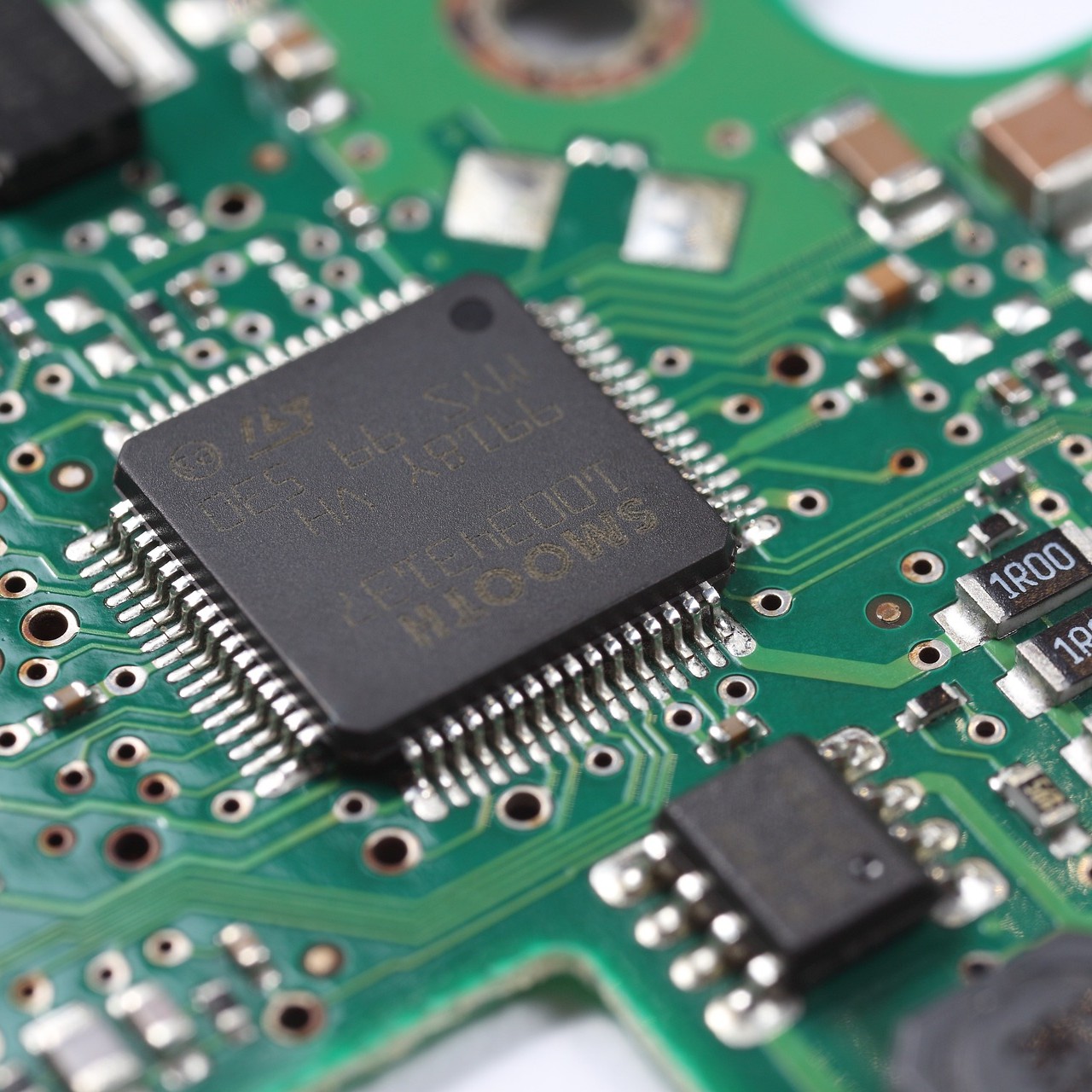
Designed together. Tuned together.
A custom PCB and purpose-built firmware connect the PFX animation engine to the app. Adjust effects live, combine layers, and save a look you can use again.
One animation. A whole lineup.
Use GroupSync to repeat an animation across up to 10 compatible controllers or carry one continuous effect from car to car. Radio range depends on the installation and surroundings.

Keep control of your setup.
Set a controller password in the app to manage access to your lighting. Your colors, effects, and configuration stay under your control.
Make it yours in the app.
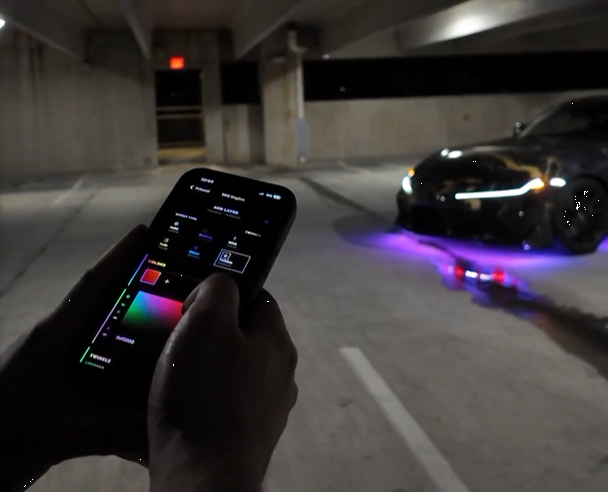
Connect to the PFX LED Controller over Bluetooth to adjust your existing lighting from your phone.
Choose a preset, build layered animations, or arrange effects in the Timeline Editor.


Check your strip compatibility.
For a 12V installation, use compatible addressable strips with power, ground, and a single data wire. Match the strip IC and color channels to a profile in the app.
| LED strip / IC | PFX app profile | Color channels |
|---|---|---|
| WS2811 | WS2811 | RGB |
| WS2812B | WS2812B | RGB |
| SK6812 or LC8812 | SK6812 / LC8812 | RGB or RGBW |
| WS2814 | WS2814 (RGBW) | RGBW |
| WS2805 | WS2805 | RGB with warm and cool white |
| TM1829 | TM1829 | RGB |
| APA106 | APA106 | RGB |
| GS1903 | GS1903 | RGB |
| Other one-wire ICs | Generic 800 kHz or 400 kHz | RGB, RGBW, or RGB with dual white |
Before connecting:confirm the strip voltage, connector pinout, and signal protocol. The controller passes the supplied voltage through to the lights. Four-wire clocked strips and analog RGB strips are not supported; however if you have a 4 wire setup with a data backup, ground the backup line and connect the remaining wires per normal. The IC name alone does not tell you the strip voltage. See the installation guide for electrical requirements.
Installation Guide
Review the wiring and compatibility guide before replacing your current controller, then follow the video walkthrough.
Find the right starting point.
Start with a complete kit.
Get six LED strips, a PFX controller, and the installation accessories together in the Prismal underglow kit.
Explore the underglow kit