Loading page…
Loading page…
Knowledge Center
Installation guides, troubleshooting, product documentation, and answers to common questions.
Browse guides
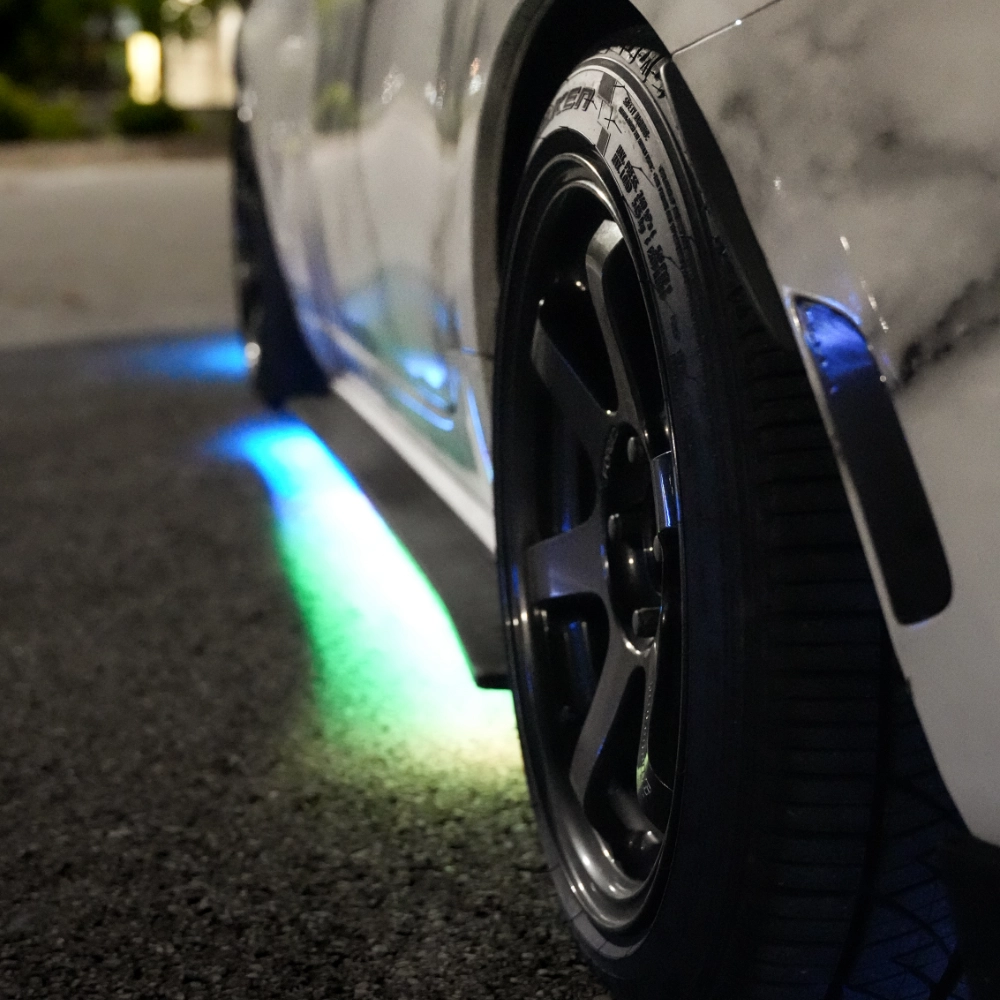
Underglow Gen 1 Installation
Learn how to properly install our Gen 1 underglow kit, learn tips and tricks, and how to perform the first setup of the kit.
PFX Underglow Controller Install (standalone)
Learn how to install our PFX Controller onto a pre existing underglow kit.
How to size your underglow strips
Measure the front, sides, and rear of your vehicle to choose strip lengths for your Prismal underglow kit.
Getting started with the Prismal PFX app
Connect your Prismal controller in the PFX app, set colors, build effects, use presets and GroupSync, and configure LED layout and firmware.
GroupSync: connect and control your lights together
Set up Prismal GroupSync in the PFX app: create or join a group, sync animations across cars, reorder controllers, manage passwords, and choose PFX Pro outputs.
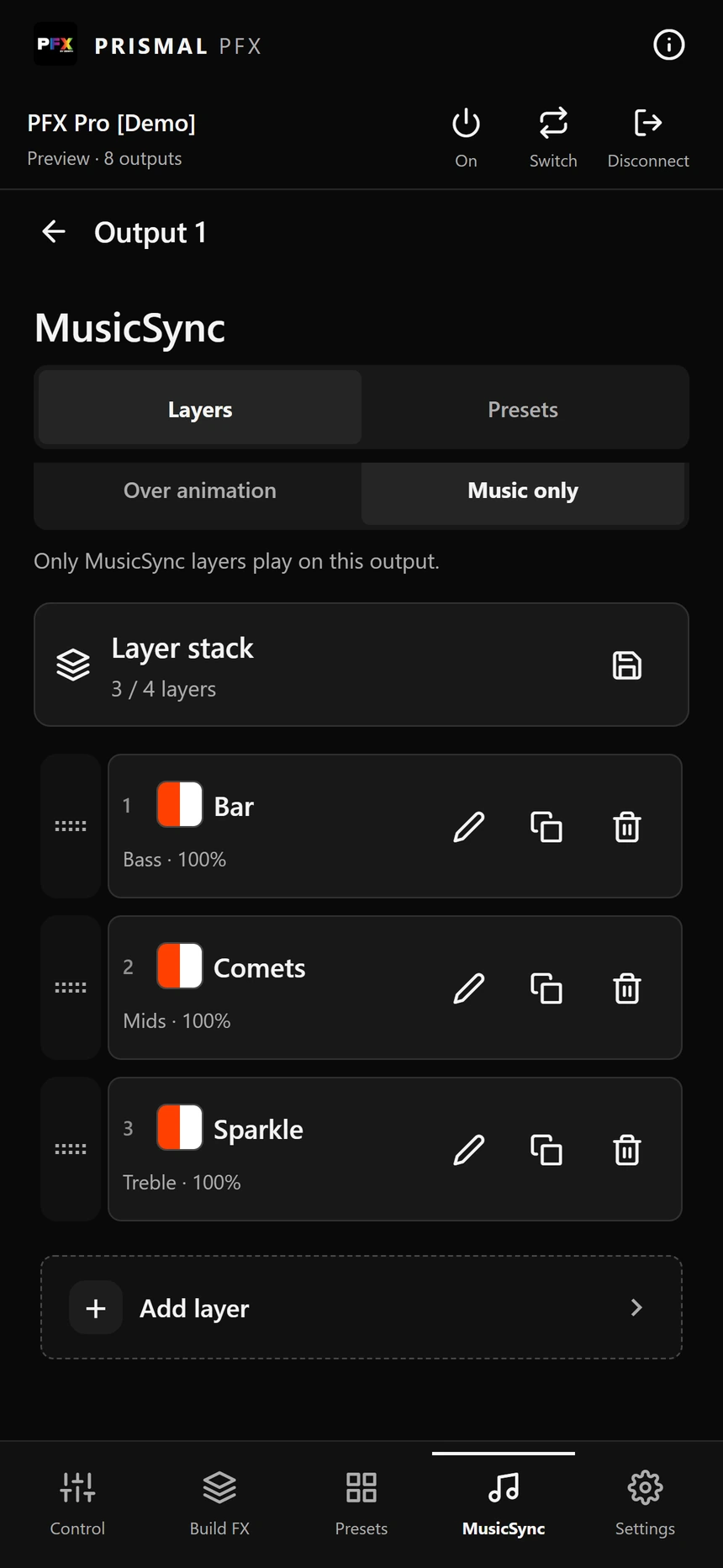
MusicSync: create music-reactive LED animations
Learn Prismal MusicSync: build reactive layers, tune bass, mids and treble, map audio to motion, blend colors, and save, share or import MusicSync presets.
Build your first animation
Learn how layers and blend modes work together to create a lighting effect that feels like your own.
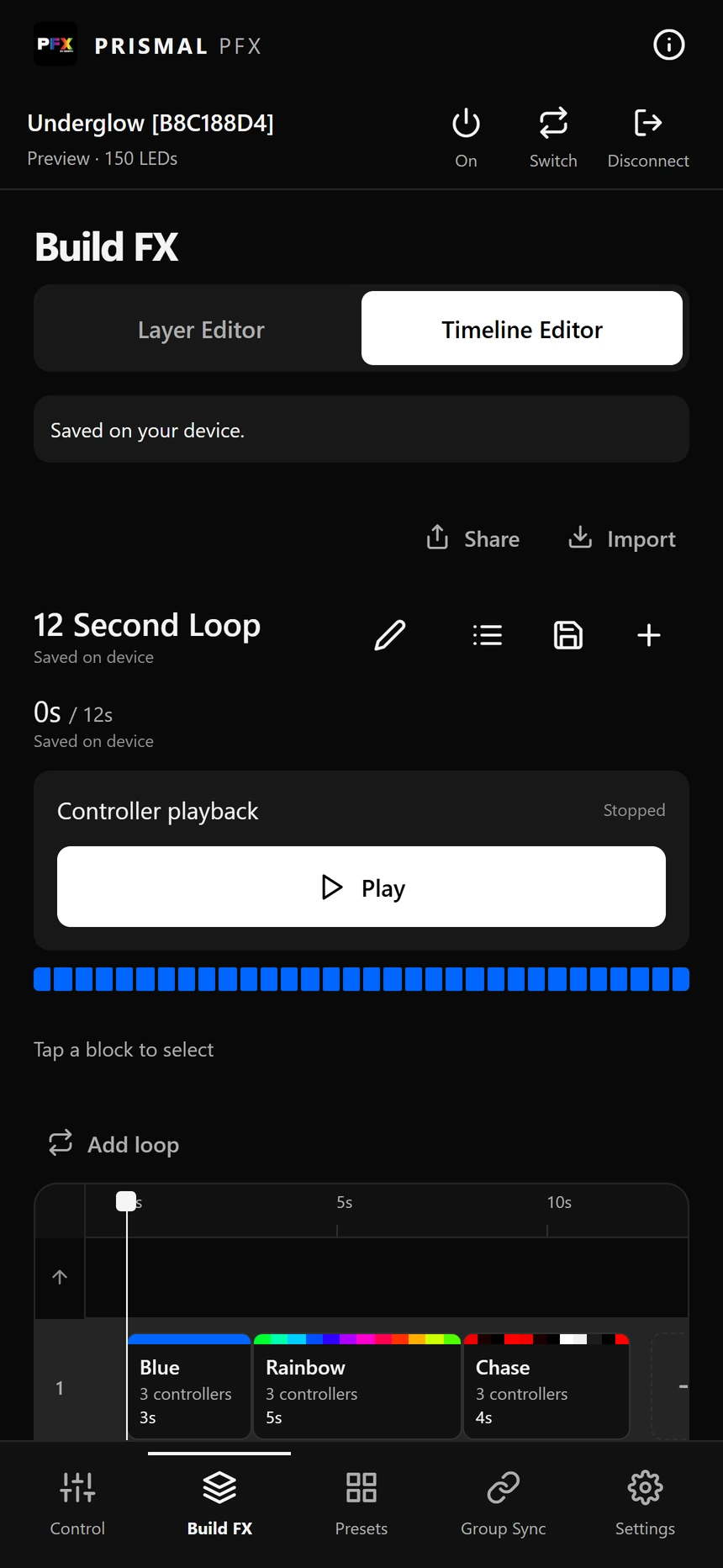
Introduction to the Timeline Editor
Build Prismal PFX lighting timelines with timed blocks, repeat sections, LED ranges, GroupSync and PFX Pro output assignments. Update playback, save, and share.
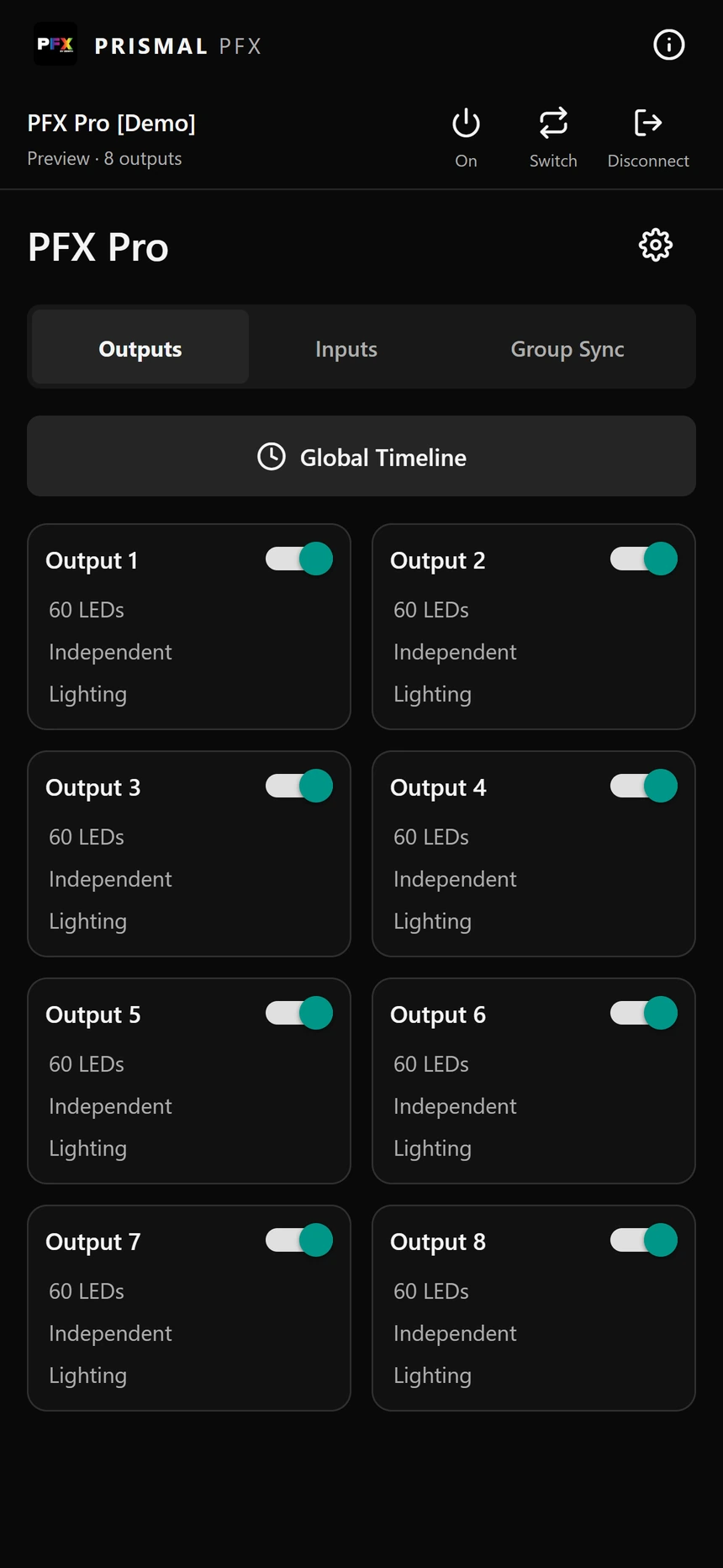
Using the Prismal PFX app with the PFX Pro Controller
Set up PFX Pro Controller in the Prismal PFX app: configure eight LED outputs, six input actions, mirror and extend routing, Global Timeline, MusicSync, and GroupSync.
LED Troubleshooting
Debug and troubleshoot common issues with LEDs
Keep your controller up to date
Use the Prismal app to check for and install available firmware updates.