
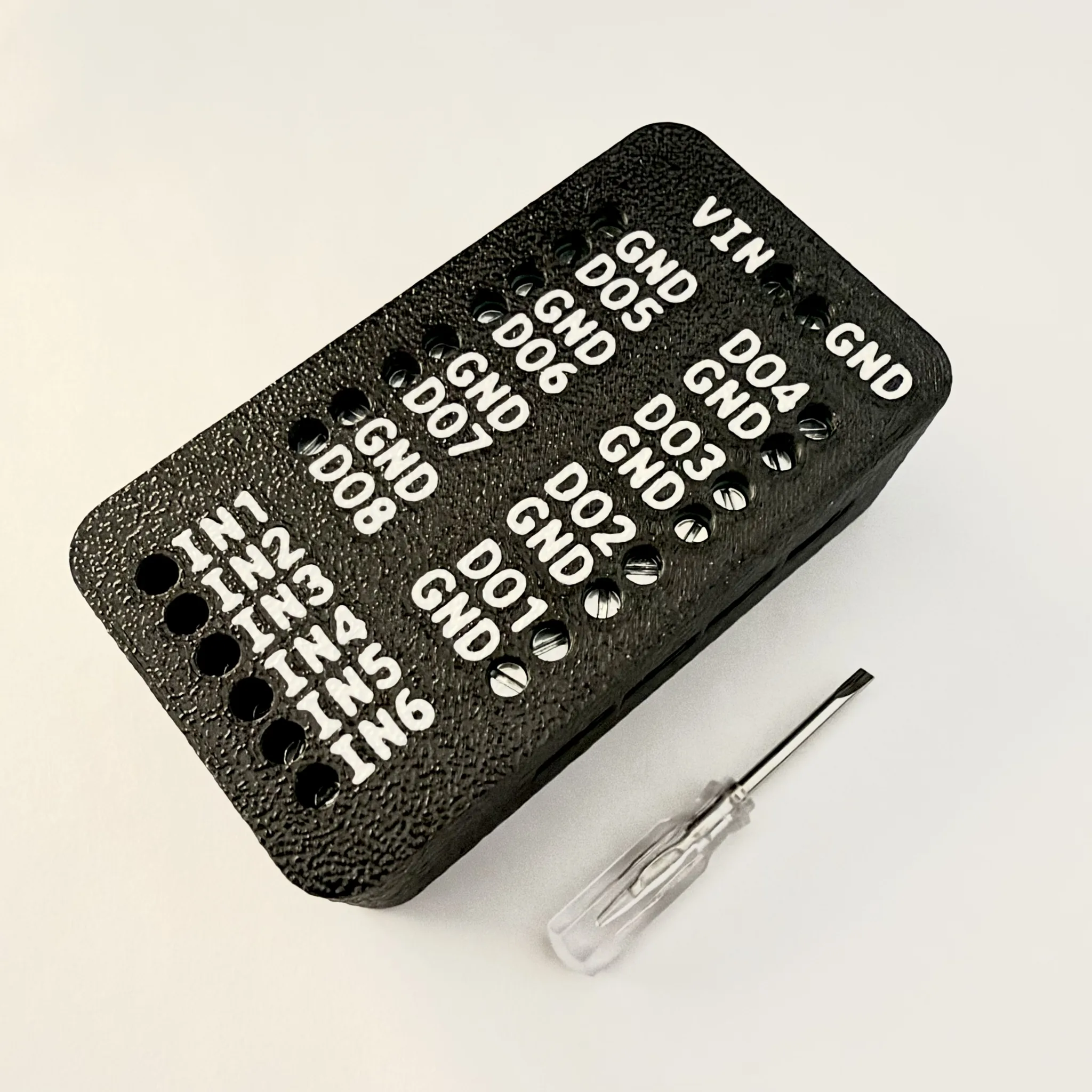
Eight outputs.
One complete vision.
The PFX Pro Controller brings every part of your lighting build into the Prismal PFX app. Run eight LED outputs, configure six inputs, and create music-reactive effects with MusicSync.
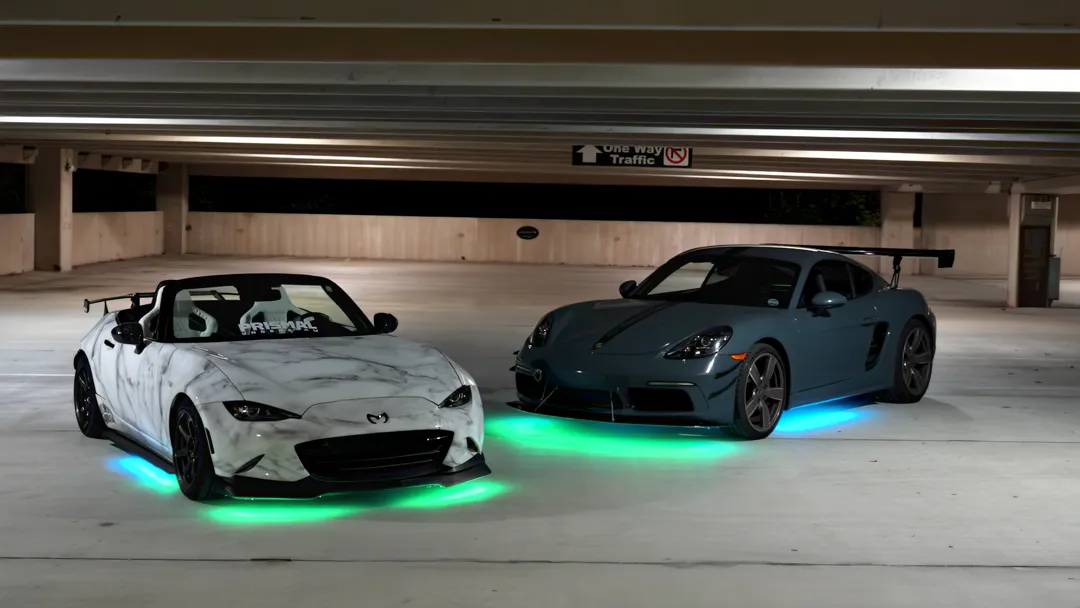
Give every output its own role.
Build a different look for each zone or connect your outputs into one coordinated scene. Configure each strip to match its LEDs and layout.
Run independently.
Give each output its own colors, effect layers, presets, and LED settings. Mix compatible strip profiles and pixel counts across the build.
Mirror or extend.
Mirror another output for a matching look, or extend its animation along the next strip. Choose the routing that fits how your lights are installed.
Make your music part of the build.
Connect an audio source to the 3.5 mm AUX input and create MusicSync layers for each output. Let bass, mids, or treble shape the effect.
Choose how the music moves.
Build with bars, blobs, comets, pulses, waves, and sparkle. Adjust colors, sensitivity, placement, and blending to create your own response.
Play over your animation.
Use Music only mode or blend music-reactive layers over your regular animation. Save compositions, import presets, and share your favorites.
MusicSync reacts locally on each PFX Pro controller. GroupSync shares ordinary lighting animations; it does not send audio or music-reactive effects to other controllers.
Let your inputs change the scene.
Configure six DC or PWM inputs with actions for selected outputs. Set priorities to decide which action takes over when several inputs are active.
- Colors and effects
- Apply a static color, custom animation, or animation preset to the outputs you choose.
- Output control
- Turn selected outputs on or off, or temporarily change their mirror and extend routing.
- Timeline playback
- Trigger a timeline already installed on the selected output.
- Priority
- The active input with the highest configured priority wins. When it releases, the controller returns to the next active rule or the underlying scene.
Build the show on your timeline.
Create a sequence for an individual output or use Global Timeline to coordinate multiple outputs from one editor.
Sequence each output.
Arrange effects and timing for a single lighting zone. Individual outputs can run their own installed timelines.
Bring the whole build together.
Assign available output destinations to Global Timeline blocks. Global Timeline takes priority on its assigned outputs; stop the override to return to individual scenes.
Take your build into GroupSync.
Join compatible Prismal controllers to repeat an animation across the lineup or create one continuous show. Choose which PFX Pro outputs participate and set their group order.
Outputs outside the group can keep their individual scenes. Configure group participation separately from each output's strip profile and local routing.
One app for the whole setup.
Connect over Bluetooth, name your ports, and move between outputs without leaving the Prismal PFX app. Each output has its own color controls, Build FX, Presets, MusicSync, and Settings.
Manage controller security, audio sensitivity, and firmware updates from controller settings.
PFX Pro at a glance.
- LED outputs
- Eight outputs with individual strip profiles, LED counts, colors, calibration, and routing.
- Configurable inputs
- Six DC or PWM inputs with output assignments, actions, and priorities.
- Audio input
- 3.5 mm AUX for local MusicSync effects.
- Animation tools
- Presets, layered effects, individual output timelines, and Global Timeline.
- GroupSync
- Choose output participation and order when using compatible controllers and firmware.
- App
- Prismal PFX for iOS and Android, with Bluetooth control and controller firmware updates.